Rider ForgeStage Plot ForgeGet the Mac app
Menu

Build professional stage plots on your Mac.

Design precise stage layouts, keep production data in sync, and export a crew-ready PDF — even when the venue Wi-Fi disappears.
Native macOS app 14-day free trial One-time payment Works offline
Stage plot workspacePlot // 01
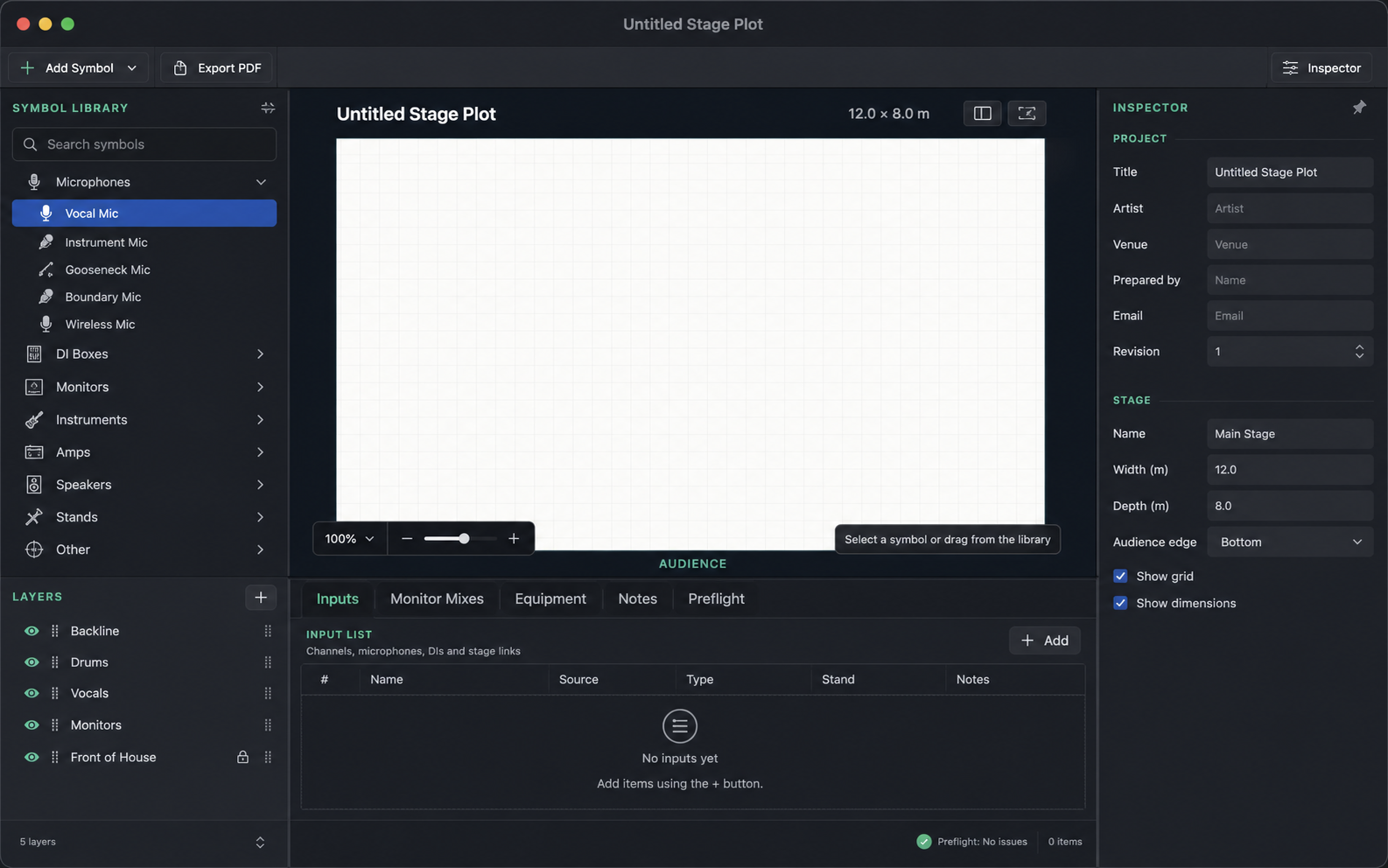
Stage Plot Forge editor showing a stage canvas, symbol library, input list, layers, and inspector
01 Place symbols02 Sync production data03 Export and share

One workspace from first draft to load-in.

Every change stays connected, so your stage plan and production notes tell the same story.

Inputs, monitor mixes, equipment, notes, and preflight tabs in Stage Plot Forge

Production data in sync

Inputs, monitor mixes, equipment, and notes live beside the plot — not in separate files.

Visual stage canvas

Place, rotate, label, group, and layer equipment on a precise stage grid.

Preflight before export

Catch missing channels, duplicate patching, and incomplete show details before the PDF reaches the crew.

Local by design

Your plots and imported assets stay on the Mac. Keep working without an internet connection.
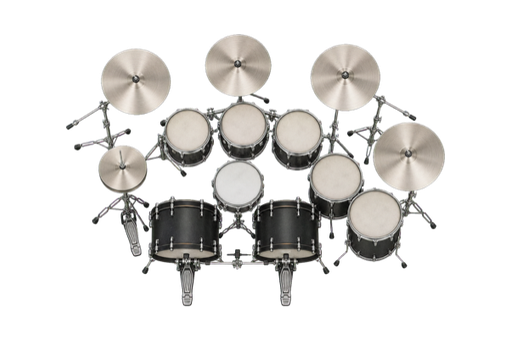
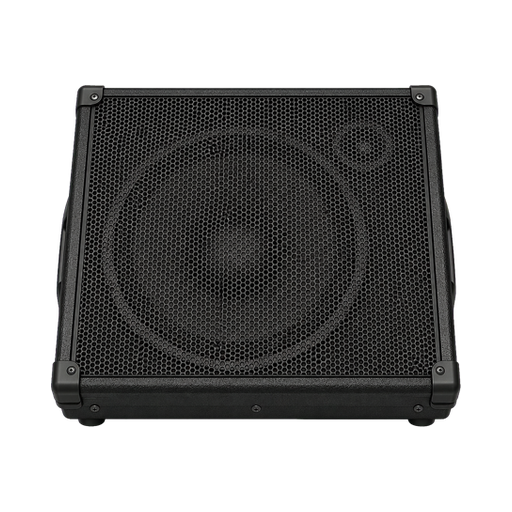
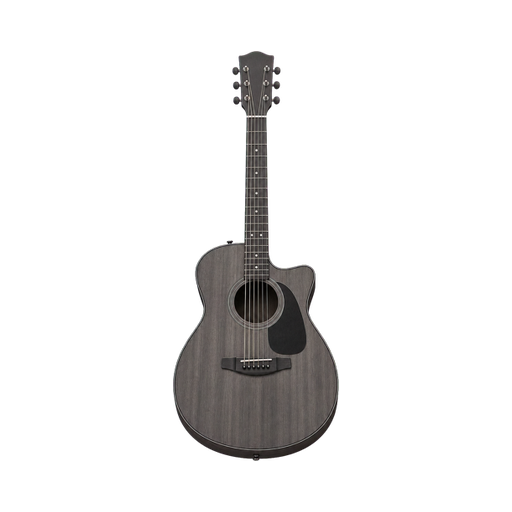
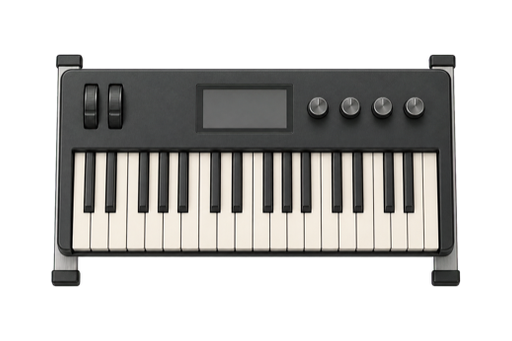
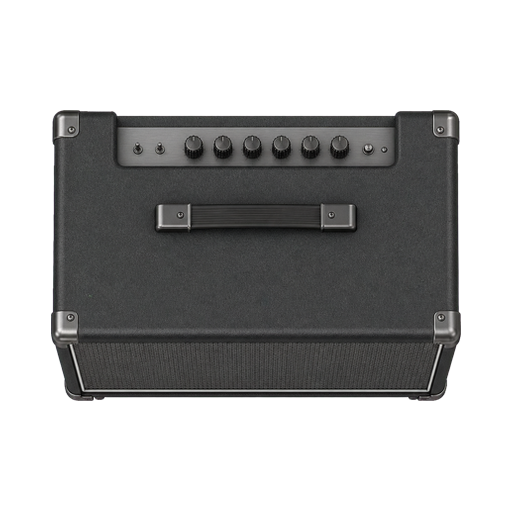
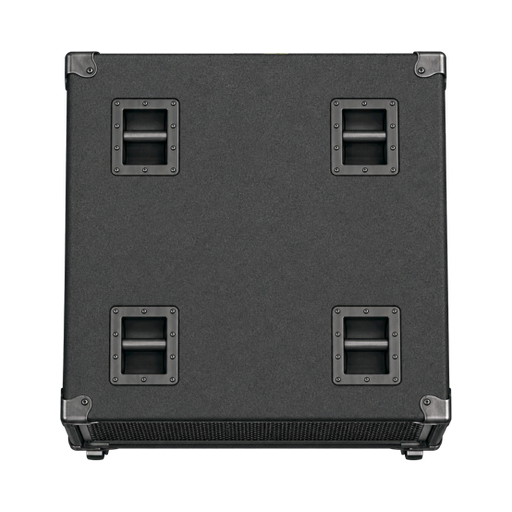
358 production symbols. One clean technical rider.

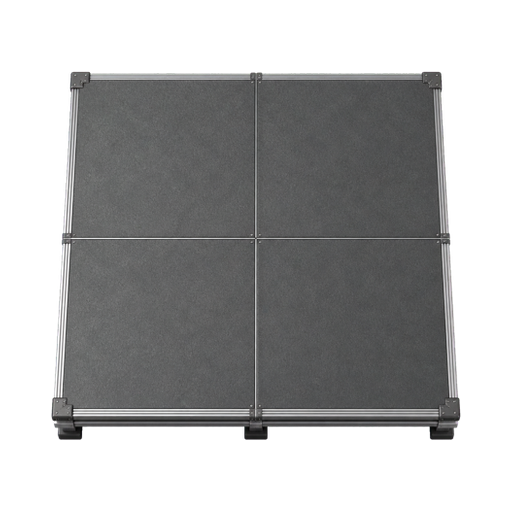
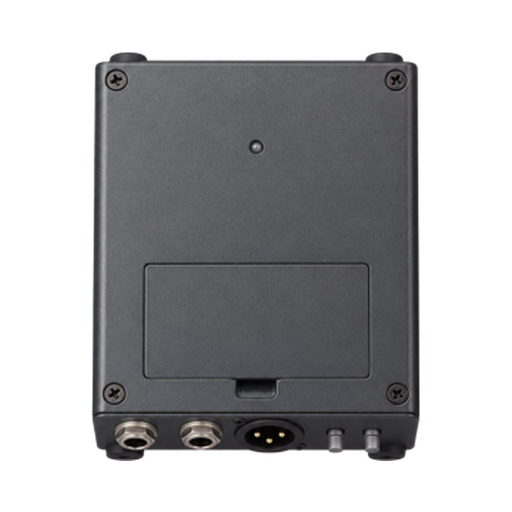
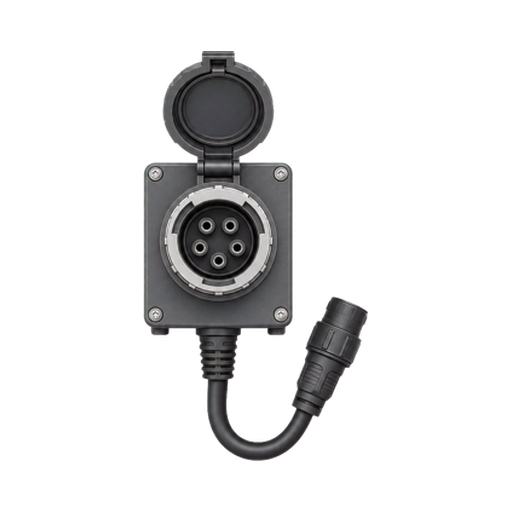
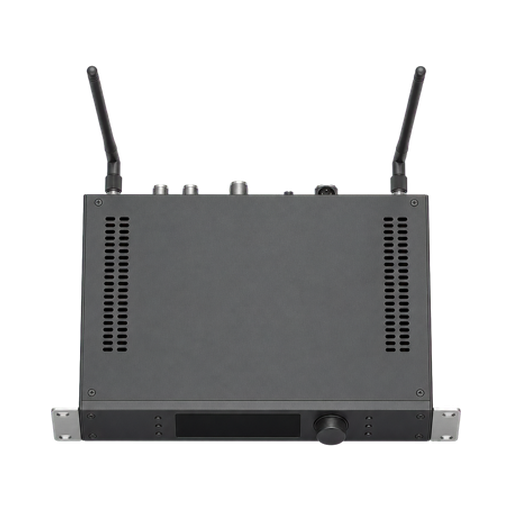
Build with purpose-made microphones, backline, instruments, people, staging, power, and utility symbols — then deliver the files your crew actually uses.

Vector PDF
PNG or JPEG
CSV lists
Print-ready

Import your own PDF, PNG, or JPEG assets. Stage Plot Forge embeds them in the document so every project stays portable.

Main StageTechnical Rider

Serious stage plots. Simple pricing.

Try every feature free for 14 days. Then pay once — no monthly or annual renewal fees.

Stage Plot Forge

€29one time

Full-featured 14-day trial, then a perpetual licence with no recurring subscription.

Download & start free trial

Requires Apple silicon and macOS 14 or later.

  • Full-featured 14-day trial
  • Unlimited local stage plot documents
  • 358 production symbols
  • Inputs, monitor mixes, equipment, notes, and preflight
  • PDF, PNG, JPEG, CSV, print, and embedded asset export
  • Secure account and lifetime licence management
  • Permanent access with a signed offline licence

Pay once. Keep using the app. Your licence does not expire.

Stage plot answers, without the soundcheck scramble.

What is a stage plot?
A stage plot is a visual map of performers, instruments, microphones, monitors, backline, and power on stage. It helps artists, venues, and production crews agree on the setup before load-in.Read the stage plot guide
Can I create a stage plot on a Mac?
Yes. Stage Plot Forge is a native macOS stage plot maker for Apple silicon Macs running macOS 14 or later. It uses familiar Mac controls and saves each project as a portable local document.
Does Stage Plot Forge work offline?
Yes. Stage plots, production lists, imported assets, and exports stay local. Your signed lifetime licence keeps the app available without depending on venue internet.
What can I export?
Export a full technical rider or stage plot as vector PDF, generate PNG or JPEG images, export production lists as CSV, and print directly from the Mac app.
Is Stage Plot Forge a subscription?
No. Stage Plot Forge is a one-time purchase. Pay once and your licence does not expire — there are no monthly or annual renewal fees.
Does Stage Plot Forge have a free trial?
Yes. The full-featured 14-day trial starts the first time you open the Mac app. When it ends, existing projects remain openable, printable, and exportable; a one-time purchase restores creating and editing permanently.
Is Stage Plot Forge an online stage plot creator?
No. Stage Plot Forge is a native Mac app rather than a browser editor. It keeps working files local so you can edit and export at venues without depending on reliable Wi-Fi.Compare online and native workflows

Plan clearly. Load in faster.

Give every venue a stage plot and production pack they can act on.

Get Stage Plot Forge